
The “My Checks” page on Healthchecks shows integration icons next to each check. Users can click the integrations to toggle them on and off:
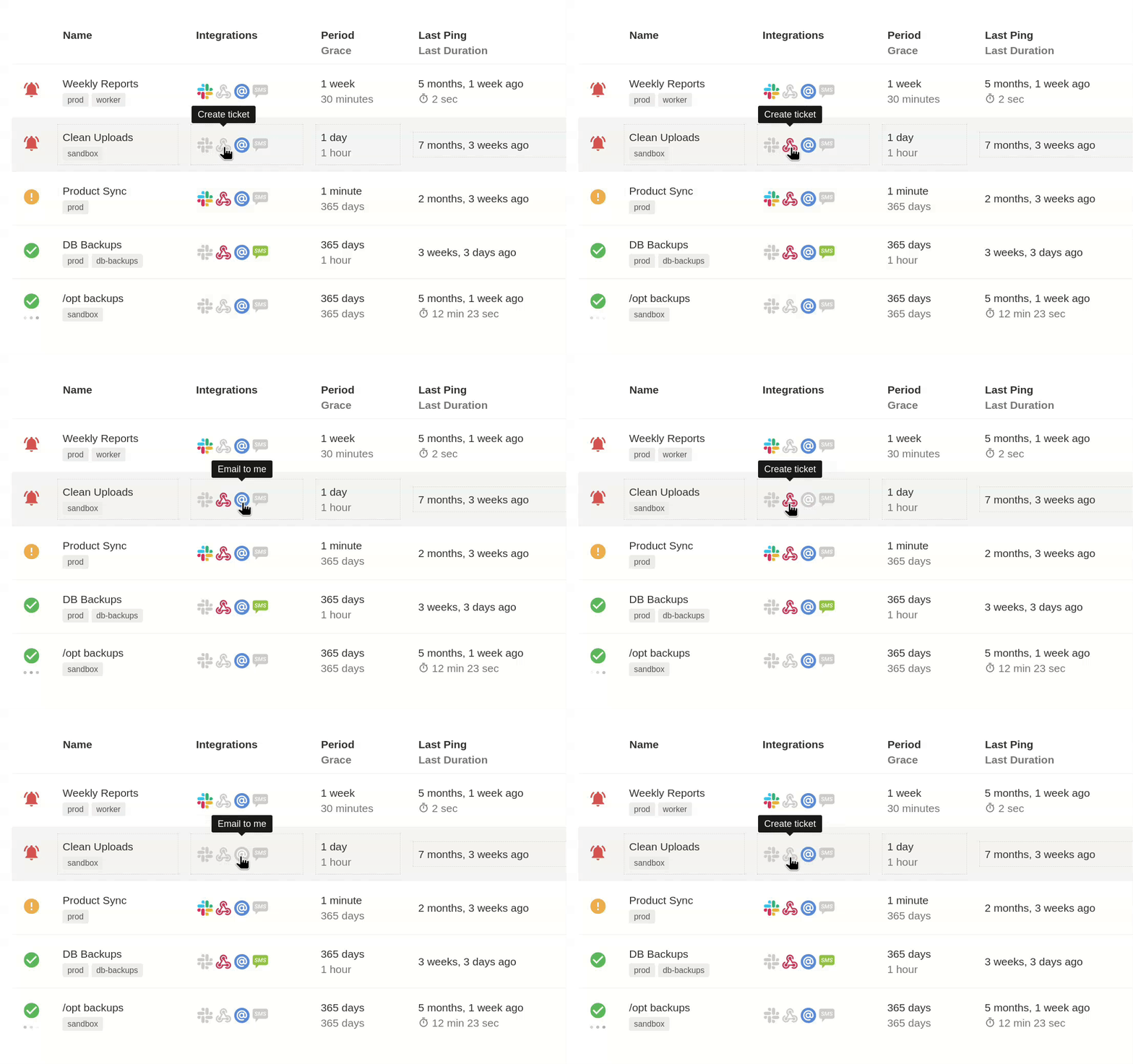
I added this feature in June 2018. Before then, the Integrations column was simply absent. My initial implementation used PNG images to display the integration icons, each icon being a separate <img> element in HTML. This was a nice usability improvement, but created a performance problem: the browser stuggled to display and repaint the “My Checks” page for accounts with many checks.
I solved the performance problem by putting the integration icons in an icon font and using it instead of many small PNG images. This worked wonderfully–there was no more stutter, even when listing hundreds of checks. Browsers are really efficient at displaying text, who knew!
I was using icomoon.io for manipulating the icon font. It lets you assemble a set of icons, either by selecting from icon libraries or by uploading your own SVGs. You can manipulate each glyph, and you can export the font as .ttf, .woff, etc. files. IcoMoon’s UI is quirky, but the end results are good.
Icon fonts created with IcoMoon can handle icons with multiple colors, but they work best with monochrome icons. The more colors an icon uses, the more HTML elements you have to use to display it:
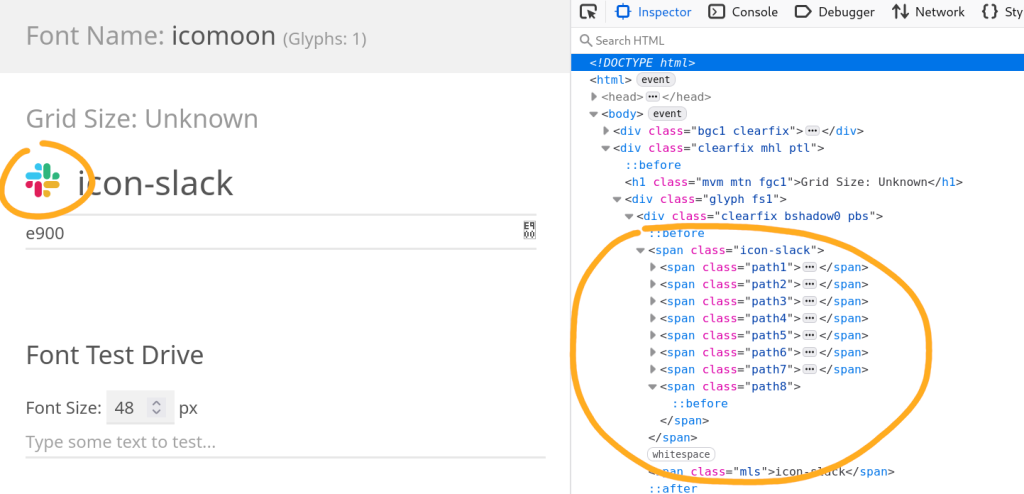
That is, until December 2025, when IcoMoon launched a beta of the new version of their app, which supports multicolor fonts! This allows simple HTML markup even for multicolor icons:
<span class="ic-slack"></span>Moreover, the new version supports ligatures. Ligatures are conventionally used for joining multiple characters in one shape. For example, for displaying “oe” as “œ” or, in programming fonts, displaying “!=” as “≠”. In icon fonts, ligatures can be used to display a string of characters as a specific icon. This allows for even neater HTML markup:
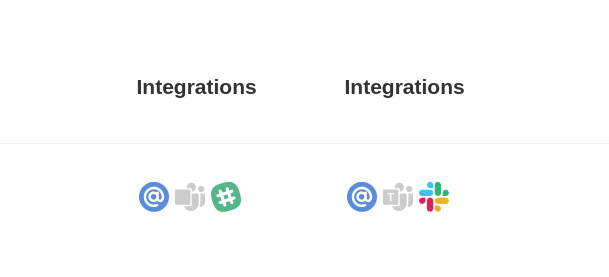
<span class="ic">slack</span>I have now updated Healthchecks to use multicolor icon fonts produced by IcoMoon’s new app, and I updated the Slack integration icon to take advantage of it (before on the left, after on the right):
Happy pixel-pushing,
Pēteris